Capture
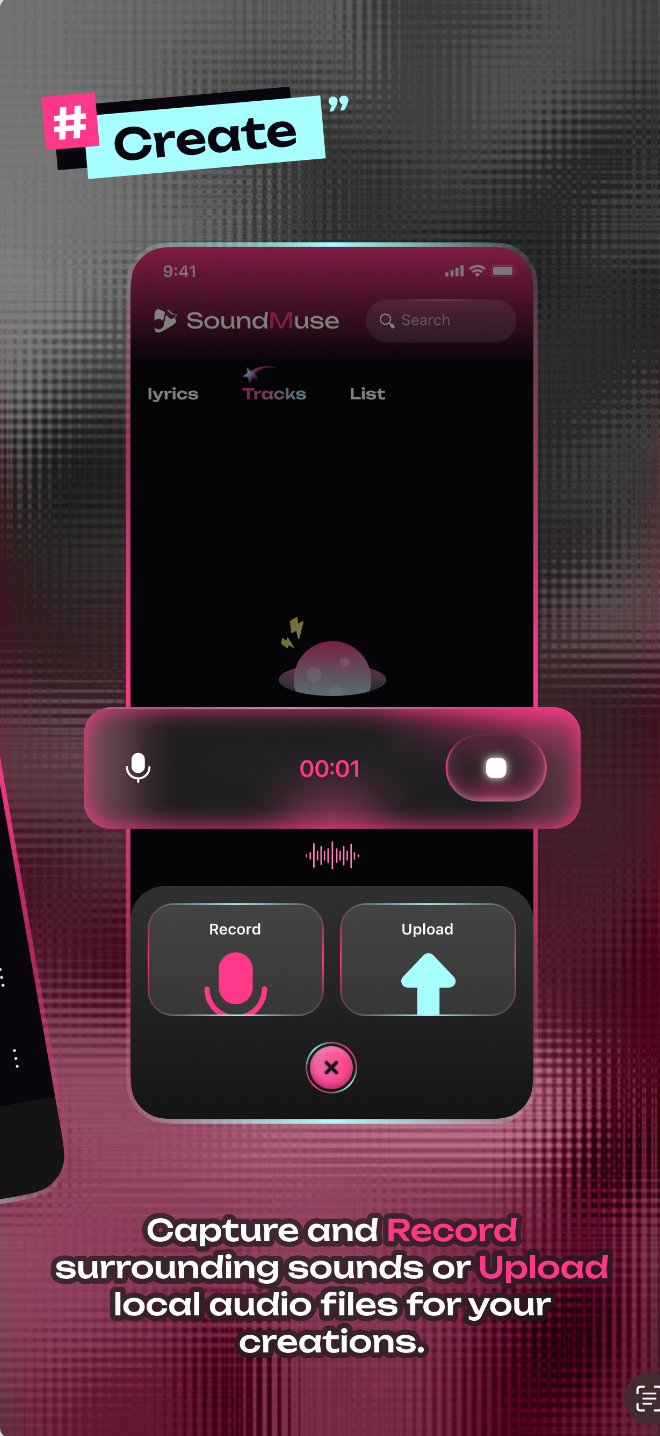
Record surrounding sounds when an idea appears, then keep that clip ready for your next music draft.
SoundMuse helps you capture ambient sounds, bring in local audio, write lyrics, and organize your personal music ideas in one focused creative workspace.
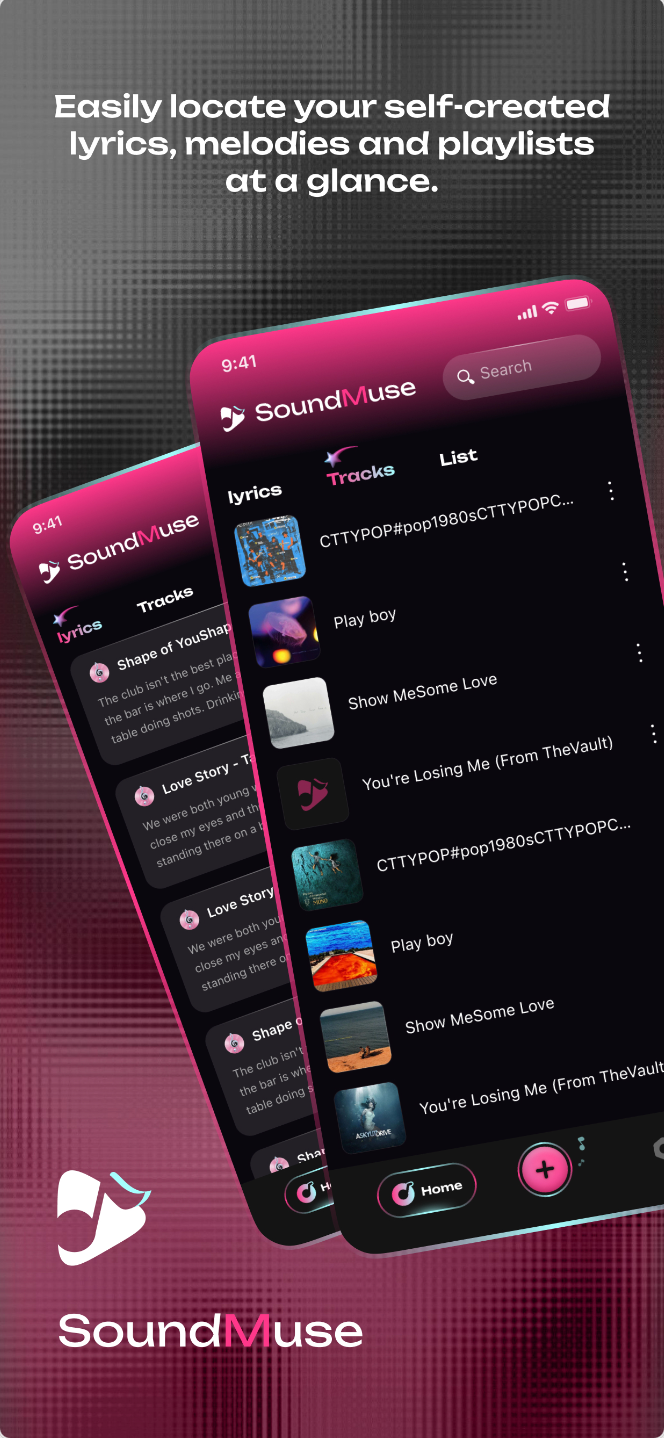
SoundMuse keeps the creative loop practical: record or upload an audio clip, write lyrics around it, and return to your saved work through search and playlists.
Record surrounding sounds when an idea appears, then keep that clip ready for your next music draft.
Bring local audio into the same workspace so recordings and imported clips can live together.
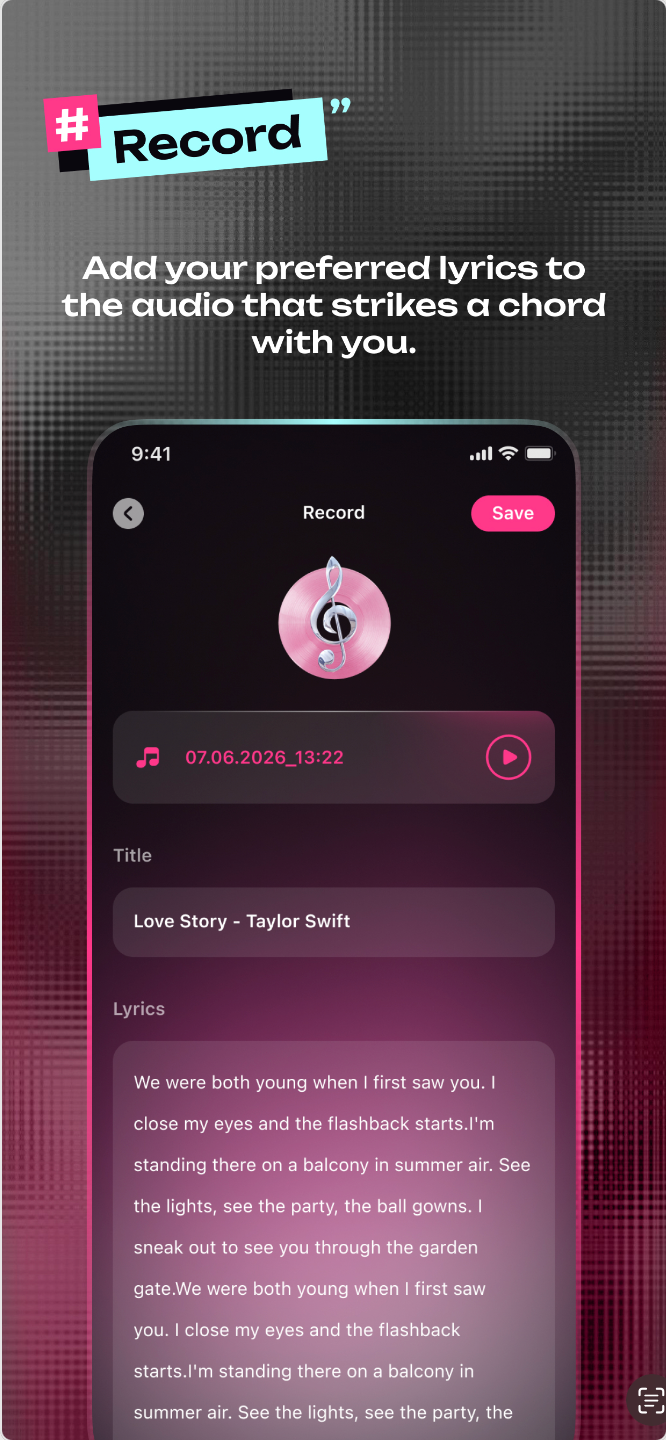
Pair audio with lyrics directly inside the app, keeping words and sound connected instead of scattered.
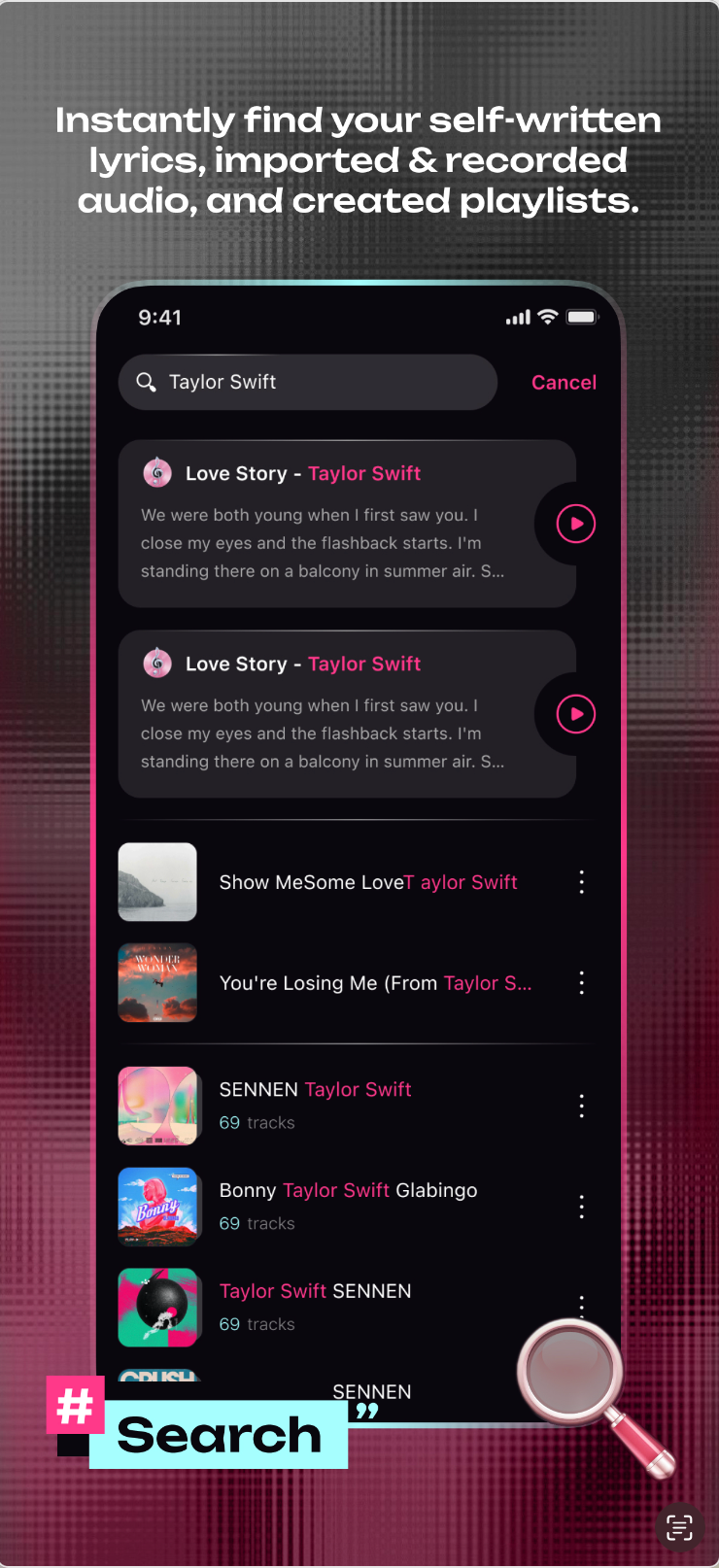
Find self-written lyrics, self-created sounds, and playlists quickly when you want to continue working.
Start from a recording or upload an existing audio file for your personal creation.
Add lyrics to the audio clip that strikes a chord with you, then save the idea for later.
Keep self-created lyrics, melodies, and playlists visible at a glance.
Instantly locate written lyrics and created sounds without digging through separate notes.
Reach out for app support, privacy questions, or feedback about the creative workflow.
Use this address for support and privacy inquiries.
gjurcinovski@apeksinternational.com